
Best AI Innovation for Finance
Purchase Order Processing
Invoice Matching Made Effortless
Kanbina will find the POs, lines, quantities and prices on any Invoice
Matches to ERP, triggers straight through processing, or workflows for exceptions
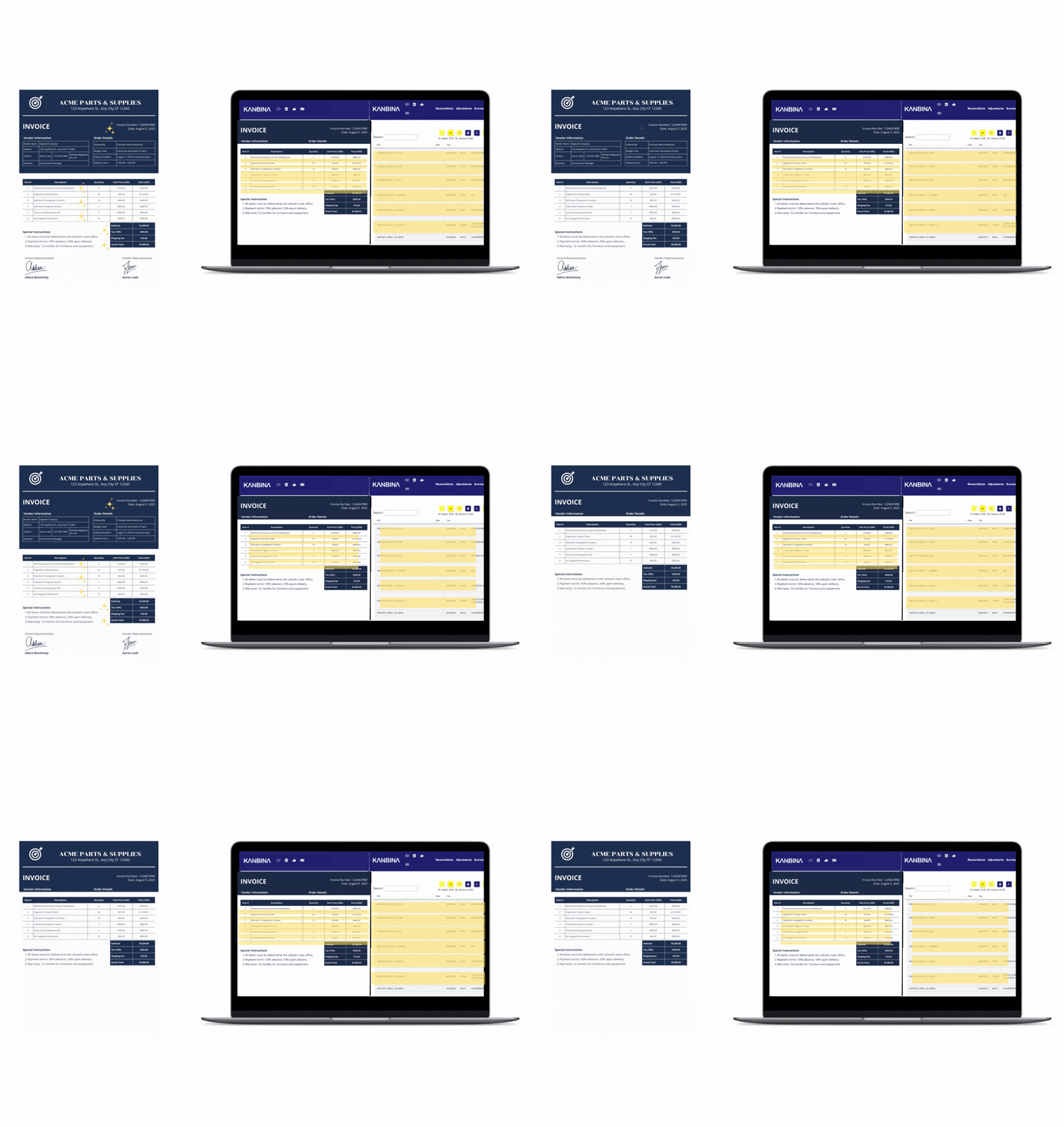
Intelligent Invoice Ingestion & Line‑Level Matching
Invoices arrive via email, scanning, or supplier portals, or EDI exceptions are extracted from EDI flows. Kanbina’s AI-powered document processing extracts header and line‑level data with high accuracy. It matches each invoice line item to the corresponding purchase order (and goods receipt if applicable), comparing quantities, prices, VAT, budget codes, and more—even across multi‑currency and partial delivery scenarios.
Exception Management & Discrepancy Highlighting
Discrepancy Detection
Any mismatches in PO, invoice or supplier status, price, quantity, tax, or coding trigger automated exception flags. Kanbina applies tolerances and business rules automatically. If the discrepancy exceeds thresholds, it's highlighted for user review. Incorrect or non‑PO invoices, duplicate attempts, budget breaches—are automatically classified in the exception queue, and escalated via built‑in approval workflows. AP staff only review flagged items.
Multi‑Line PO Roll‑Up
PO Roll‑Ups & Hidden Matches: Kanbina can roll up multi‑line purchase orders invisibly, matching multiple invoice lines across one PO or grouping related POs into a single review item. This declutters the user view and simplifies exception resolution.
Approvals
Approvals flow based on cost‑centre, budget, amount thresholds, entity rules or PO match status. Users or managers receive clear, contextual prompts and can approve with a single click. Escalation and delegation logic handle absences or delays. All decisions are logged, auditable, and reportable.
ERP Posting & Straight‑Through Processing
When an invoice passes matching rules and approval thresholds, Kanbina codes it (GL, cost center, project dimensions, VAT, intercompany) and posts transactions directly into the ERP—no manual data entry required. This delivers real-time, accurate, straight‑through processing with minimal human touch.
Key Benefits
Benefits
Touchless Processing. Kanbina often achieves over 90% automation, dramatically reducing manual efforts in high‑volume AP workflows.
Control, Compliance & Reporting
Full audit trails, Power BI dashboards, and embedded analytics let finance leaders track throughput, exception rates, approval bottlenecks, and compliance scores at a glance.
Reduced Supplier Friction
Faster approvals, fewer errors, clearer visibility, and compliance with budget and contract terms preserve supplier relationships and maintain working capital.
Conclusion
With Kanbina, invoice‑to‑PO matching is smarter, faster, and more transparent. Multi‑line POs roll up as needed, discrepancies get flagged early, approvals are streamlined, and ERP posting is spotless and automated. For finance teams seeking audit-ready compliance, operational control, and straight‑through processing—Kanbina delivers.
